Why Your IRL Stream Keeps Dropping (And How to Fix It)
Constant disconnects ruining your IRL streams? Here are the most common causes and exactly how to fix them for good.
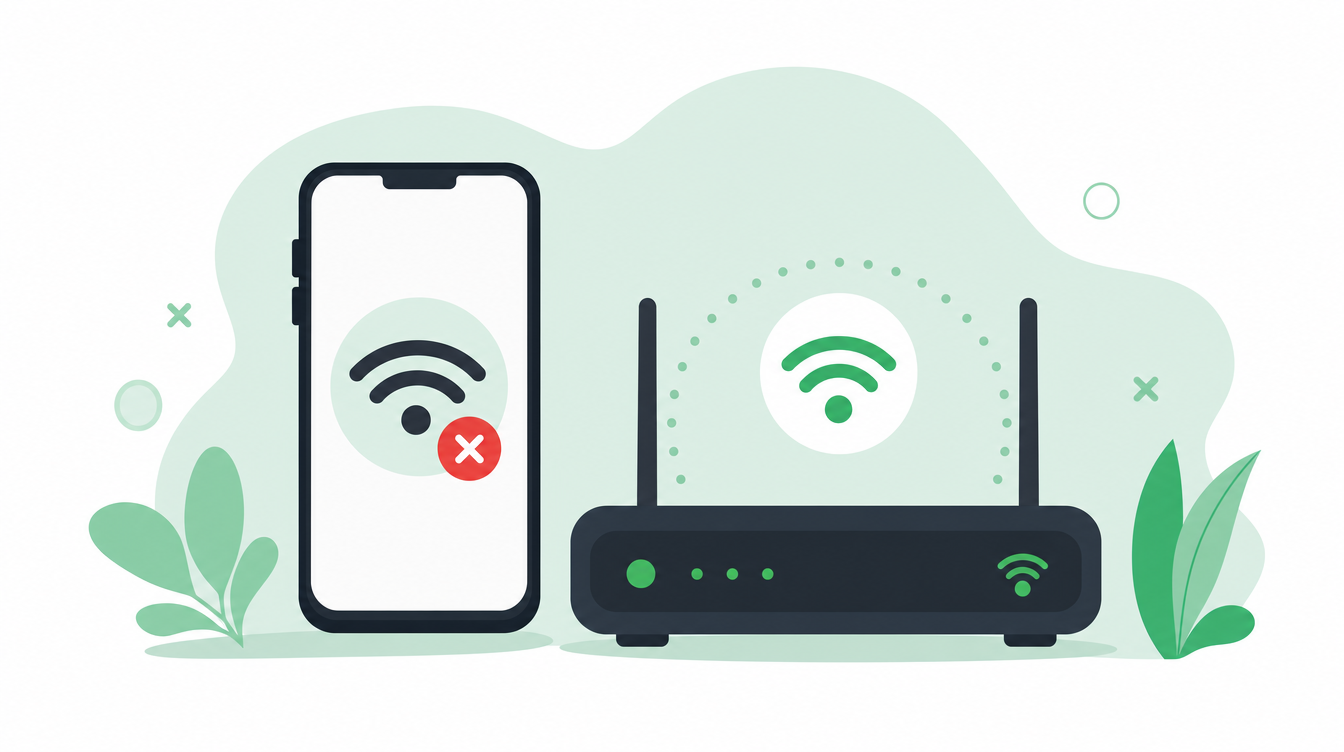
Your IRL stream keeps dropping. Here is why — and how to fix it.
You set everything up, go live, and within minutes your stream freezes. Your viewers complain. You reconnect. It happens again.
Stream drops are the number one problem for IRL streamers — and they are almost always fixable. Here are the five most common causes, and the fix for each.
How IRLHost fits in: Most of these fixes come down to the same idea — put a relay between your phone and your platform instead of sending straight from your streaming app. IRLHost bonds your WiFi and mobile data into one stronger connection, so a single bad signal does not end your stream. If you already run OBS at home, it also gives OBS a public address to pull from, so you never have to port forward your router.
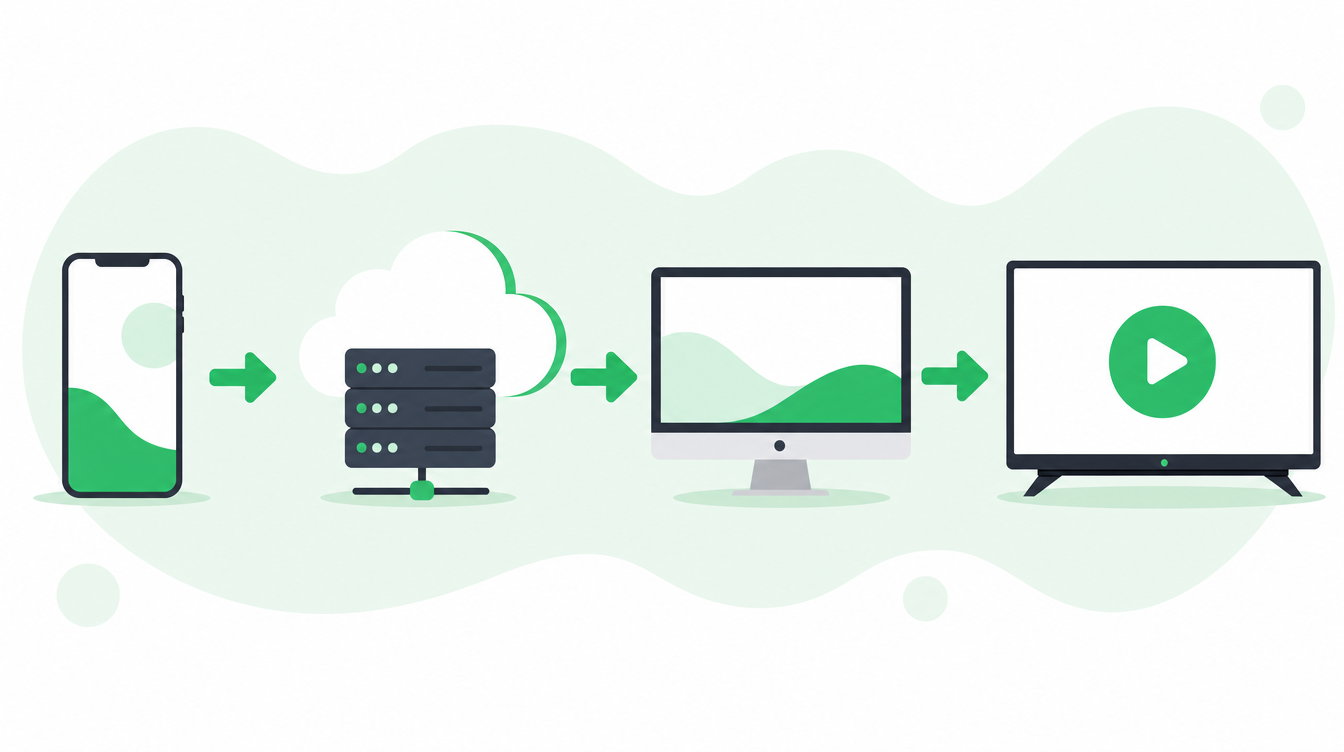
Cause 1: You are streaming straight to Twitch or Kick
Most IRL streamers start simple: a streaming app on your phone connects directly to Twitch or Kick. It works fine indoors — but the moment your mobile signal dips, your stream freezes or drops completely. No warning, no recovery, it just cuts.
Fix: Point your phone at an IRLHost relay instead of straight at Twitch. The relay lets you bond your WiFi and mobile data into one stronger connection, so you are not relying on a single shaky mobile signal. If you already run OBS at home, IRLHost also means you never have to touch port forwarding on your router — your OBS connects out to the relay, nothing needs to be opened up. No PC at home? IRLHost Pro runs OBS for you in the cloud instead.
Cause 2: Poor mobile signal
Some areas just have bad coverage — stadiums, underground, rural areas, certain streets between tall buildings.
Fix: Use SRTLA bonding. This combines your WiFi and mobile data into a single stronger connection, so if one weakens the other keeps carrying the stream. The relay reassembles the bonded connection server-side, and apps like Moblin and IRL Pro manage it on your phone.
Cause 3: Your bitrate is too high for your connection
Setting your bitrate too high causes constant buffering and drops.
Fix: If your phone and app support H.265, use it. IRLHost is codec-agnostic — it passes through whatever your encoder sends. H.265 is up to 40–50% more efficient than H.264, which gives you significantly more headroom on weak mobile connections. A 4500 kbps H.265 stream delivers roughly the same quality as a 6000–7000 kbps H.264 stream.
A good rule: set your bitrate to about 70% of your average upload speed. In areas with unpredictable signal, drop it lower. With H.265, 2500–3500 kbps delivers a quality stream that would need 4000–5000 kbps in H.264.
Cause 4: Your phone is overheating
Streaming is intensive. On a hot day, or after an hour of streaming, your phone may throttle performance or shut down entirely.
Fix: Remove your phone case while streaming. Avoid direct sunlight on the device. Consider a small clip-on fan if you stream in warm climates.
Cause 5: Your streaming app settings are wrong
The wrong protocol settings can cause instability even on a good connection.
Fix: Make sure you are using SRT protocol, not RTMP. SRT is designed for unstable networks and recovers from packet loss automatically. RTMP will not.
Better still, use SRTLA so you can bond more than one connection. Keep your phone's WiFi and mobile data both active, or tether a spare phone running Moblink for a second path. IRLHost reassembles the bonded connection server-side. Moblin (iOS) and IRL Pro (Android) both support SRTLA natively.
When the signal drops out completely
No setup can conjure signal where there is none. For those moments, IRLHost Link runs on your home PC alongside OBS and automatically switches to a BRB scene when your feed drops, then back to live when it recovers. Your Twitch or Kick stream stays live and clean instead of freezing on a broken frame — that part is handled by your OBS, not the relay.
The full fix: relay + SRTLA bonding + H.265
If you want a stream that rarely drops, combine all four:
- Use an IRLHost relay for SRTLA bonding and a public endpoint — fewer drops, and no port forwarding at home
- Use SRTLA bonding (WiFi + mobile data) so you are not relying on a single connection
- Use H.265 encoding for better quality at lower bitrates — more headroom on weak connections
- Run IRLHost Link on your PC so a total dropout shows a clean BRB scene instead of freezing your stream
This is how most serious IRL streamers build their setup.
Get started
Sign up at irlhost.gg. IRLHost Plus includes the relay server from €11.99/month + VAT. No PC at home? IRLHost Pro adds a cloud OBS instance from €29.99/month + VAT.
Want help with your IRL setup?
Leave your email and a seller can contact you with setup help, a walkthrough, or a specialized IRLHost offer.