How to Start IRL Streaming on Twitch in 2026 (Complete Beginner Guide)
Everything you need to know to start IRL streaming on Twitch in 2026. From gear to setup to going live — this guide covers it all.
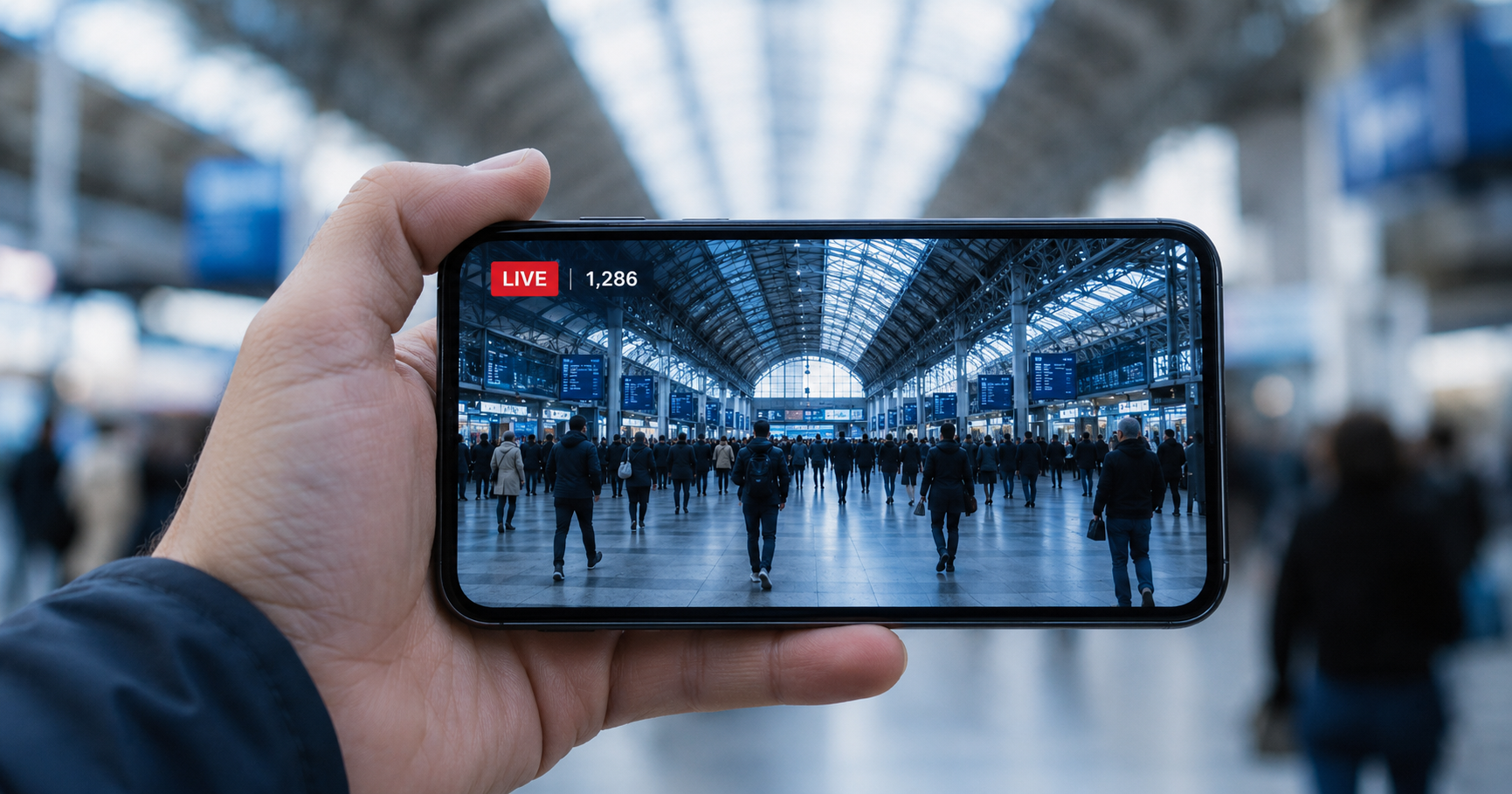
How to start IRL streaming on Twitch in 2026
IRL streaming means going live outside — walking around your city, visiting events, travelling, showing your daily life. It is one of the fastest-growing categories on Twitch and you do not need an expensive production setup to get started.
A phone, a few free apps, and a relay server is all it takes.
The gear you actually need
Start with this:
- Smartphone — iPhone or Android
- A PC at home running OBS
- Power bank — streaming drains your battery in under an hour
- Phone mount or selfie stick
- No PC at home? IRLHost Pro runs OBS in the cloud — your phone is your only piece of hardware.
Add later as you grow:
- Clip-on microphone — the single biggest upgrade to stream quality
- Phone gimbal or stabiliser — removes shaky footage
- Travel router with external antennas — stronger WiFi signal than your phone's built-in antenna, worth it for longer streams
- Second phone as an extra connection — bonds two connections together for better reliability
Do not buy everything at once. Start with your phone and power bank. Add gear as you grow.
The software you need
- A streaming app on your phone: Moblin (iPhone) or IRL Pro (Android). These send your video from your phone to your relay server.
- OBS on your home PC: Pulls the stream from your IRLHost relay and sends it to Twitch.
- StreamElements: Free tool for building overlays and alerts. Create your layout in their editor and add it to OBS as a Browser Source.
Why you need a relay server
Streaming directly from your phone to Twitch works indoors. Outside it does not. Mobile networks drop and signal fluctuates, and a single connection has nothing to fall back on.
A relay server sits between your phone and OBS and solves two problems. It lets you bond your WiFi and mobile data into one connection, so you are not relying on a single mobile signal. And it gives your OBS a public address to connect out to, so you never have to port forward your home internet or expose your home IP.
The flow: Phone → IRLHost relay → OBS at home → Twitch
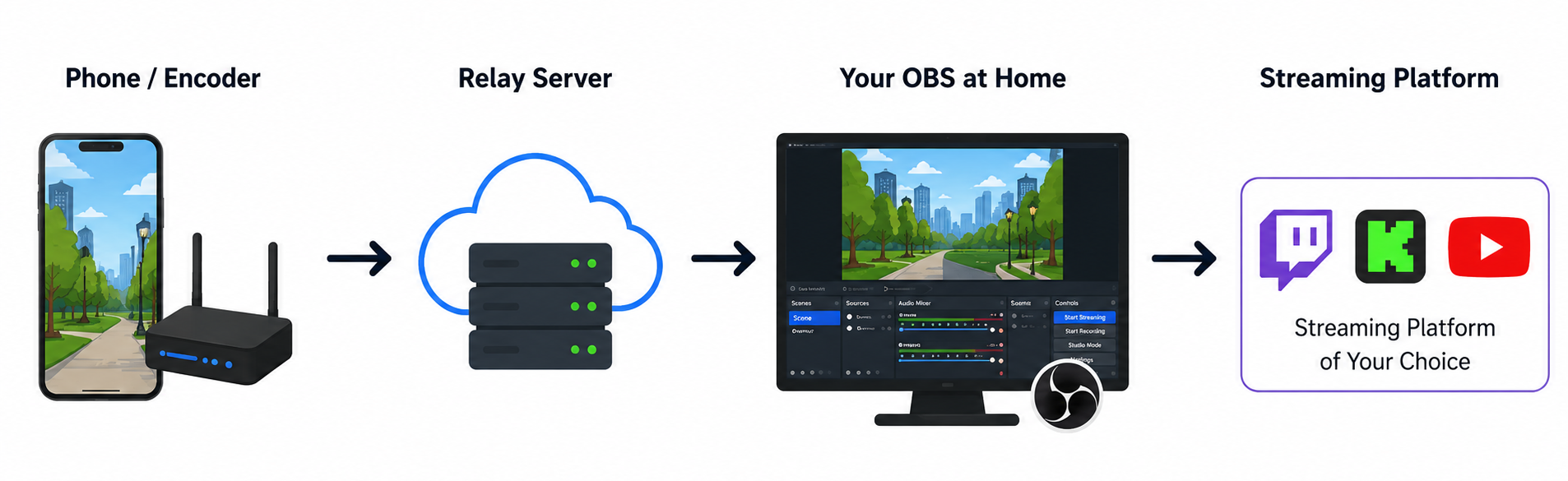
Setting up your first IRL stream
The full setup depends on which phone you have. Both guides cover everything including OBS configuration:
- iPhone: How to set up Moblin with IRLHost
- Android: How to set up IRL Pro with IRLHost
Your first stream
Keep it simple. Walk around somewhere interesting, talk to your camera, react to your surroundings. IRL streaming is inherently watchable because real life is unpredictable.
Do not worry about low viewer counts at first — that is normal. Consistency matters more than perfection. Stream regularly, find your niche, and your audience will come.
Common mistakes to avoid
- No power bank: Your stream ends in 45 minutes when your phone dies.
- Going live without testing: Always do a short test stream first.
- Streaming in poor signal areas: Know your city. Some areas just have bad coverage.
- Ignoring your chat: IRL streaming is interactive. Talk to your viewers.
Get started
Sign up at irlhost.gg. IRLHost Plus includes the relay server from €11.99/month + VAT. If you want to skip the home PC entirely, IRLHost Pro adds a cloud OBS instance so your whole setup runs from your phone or tablet, from €29.99/month + VAT.
Want help with your IRL setup?
Leave your email and a seller can contact you with setup help, a walkthrough, or a specialized IRLHost offer.