How to IRL Stream on Kick from Your Phone
Kick is growing fast and IRL content performs well there. Here is how to set up a stable IRL stream on Kick using just your phone.
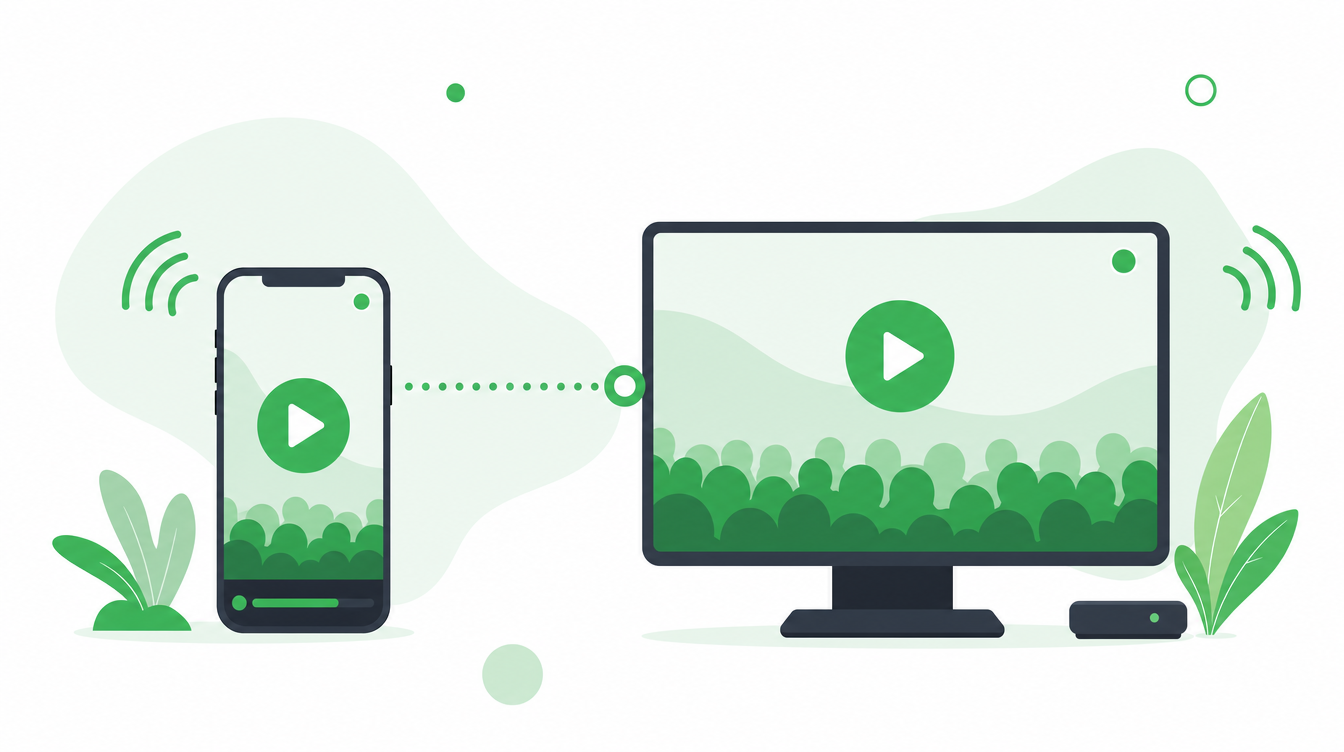
How to IRL stream on Kick from your phone
Kick is growing fast and IRL content performs well there. If you are streaming straight from a phone app to Kick right now, an IRLHost relay bonds your WiFi and mobile data into one stronger connection first — fewer drops before you even touch OBS. From there the setup is almost identical to Twitch — your Kick stream key goes in OBS, not in IRLHost.
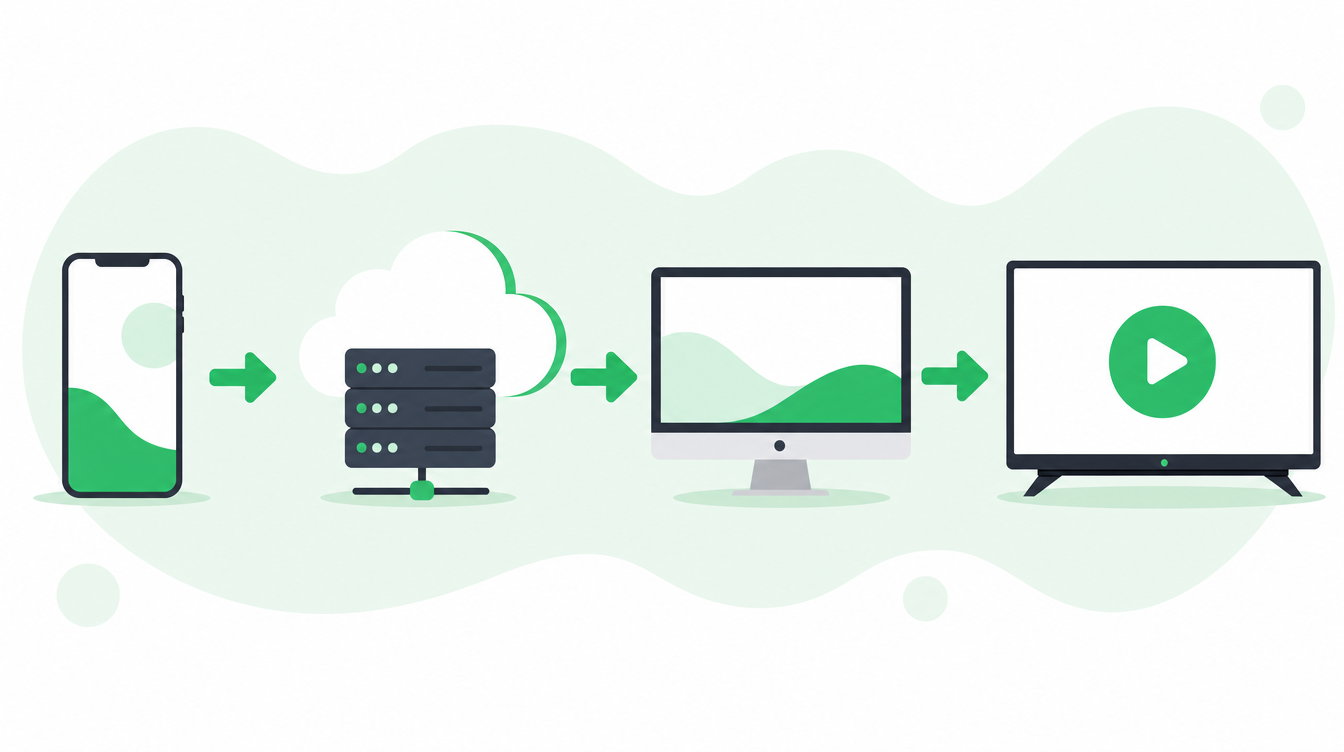
The flow: Phone → IRLHost relay → OBS (yours, or IRLHost Pro's cloud OBS) → Kick
If you already run OBS at home, the relay also gives it a public address to pull from, so you never have to port forward your home internet. OBS receives the stream and sends it to Kick. Your Kick stream key lives in OBS — not in IRLHost. No PC? IRLHost Pro runs OBS for you in the cloud.
What you need
- iPhone or Android smartphone
- Streaming app: Moblin (iPhone) or IRL Pro (Android)
- A relay server: IRLHost
- A PC with OBS at home
- A Kick account
- Power bank
Step 1: Set up your IRLHost relay
Sign up at irlhost.gg and create a relay server. Once it is running, open the server in your dashboard. You will see tabs for OBS, Moblin, IRL Pro, and Other.
Step 2: Set up OBS to stream to Kick
On your home PC, open OBS and go to Settings → Stream. Select Kick as your platform and enter your Kick stream key.
Then add a Media Source in your OBS scene using the SRT URL from the OBS tab in your IRLHost dashboard. Because OBS connects out to the relay's public address, there is no port forwarding to set up. Full setup instructions:
- iPhone: How to set up Moblin with IRLHost
- Android: How to set up IRL Pro with IRLHost
Step 3: Set up your phone app
In Moblin or IRL Pro, enter the connection details from the Moblin or IRL Pro tab in your IRLHost dashboard. Your phone only needs to know about IRLHost — OBS handles everything from there.
Step 4: Test and go live
Start streaming from your phone. Verify OBS is receiving the feed. Then click Start Streaming in OBS. Check that your stream appears on Kick on a second device before going public.
Tips for Kick IRL streaming
- SRTLA bonding: Enable it in Moblin or IRL Pro to combine your WiFi and mobile data into one connection. The relay reassembles the bonded stream server-side, so you get more bandwidth and fewer drops on location.
- H.265 encoding: IRLHost is codec-agnostic — it relays whatever codec your encoder uses. H.265 gives better quality at lower bitrates, useful in areas with weak signal.
- Consistency: Kick's discovery favours regular streamers. Showing up at the same time each week matters more than stream length.
- Categories and tags: Tag your stream accurately — IRL, travel, city, event. Kick's search is how most new viewers find you.
Can you stream to both Kick and Twitch at the same time?
Yes. IRLHost delivers one feed to OBS. OBS then handles sending it to multiple platforms. Use a free plugin like Restream or the Multiple RTMP Outputs plugin for OBS. IRLHost is unaffected — multistreaming only adds load to OBS and your home internet connection. You can also use IRLHost Pro to gain accesss to IRLHost Studio (Cloud OBS). IRLHost Studio has mutlistreaming available by default for up to 3 platforms at once.
Get started
Sign up at irlhost.gg. IRLHost Plus includes the relay server from €11.99/month + VAT. No PC at home? IRLHost Pro adds a cloud OBS instance from €29.99/month + VAT.
Want help with your IRL setup?
Leave your email and a seller can contact you with setup help, a walkthrough, or a specialized IRLHost offer.