How to Use a Second Phone to Make Your IRL Stream More Stable
Got a spare phone lying around? Put it to work. Using two phones together is one of the easiest ways to prevent stream drops without spending money on new gear.
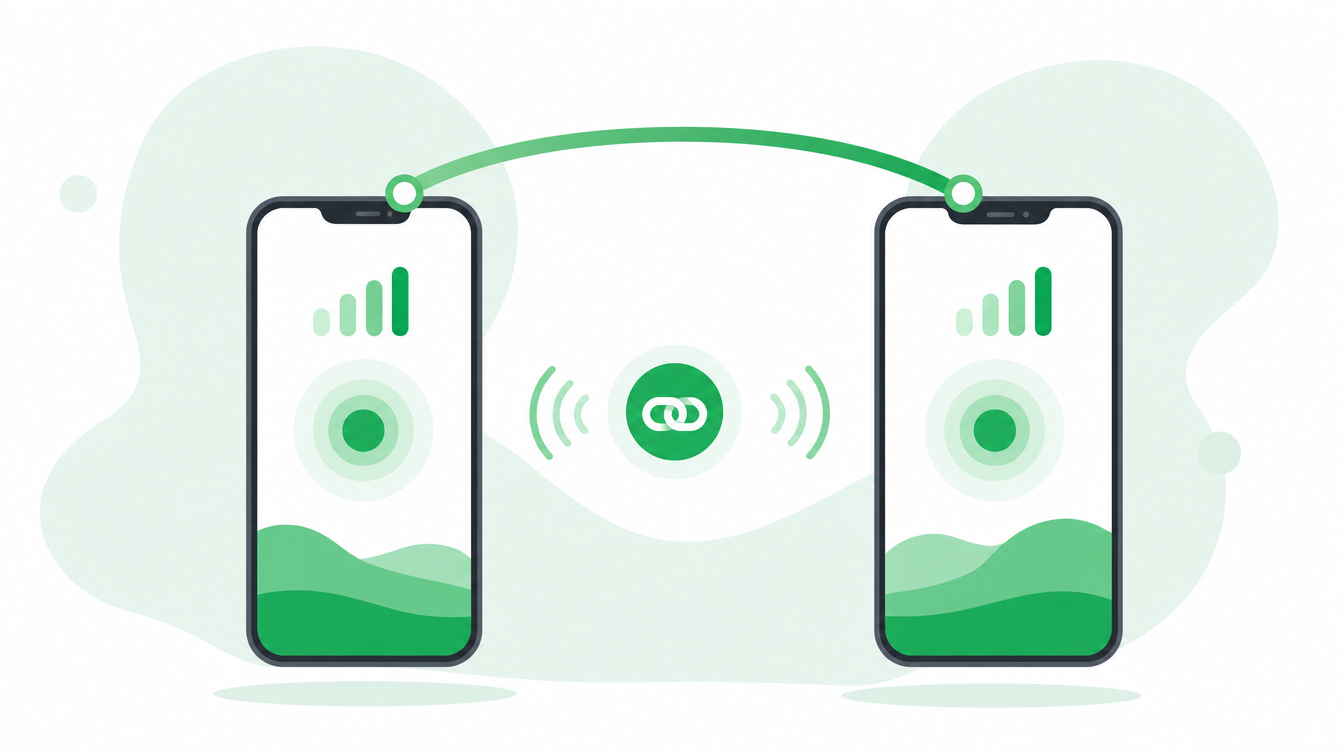
Got a spare Android phone? Use it to make your IRL stream more stable.
The most common reason IRL streams drop is simple: your phone loses signal for a few seconds while you are moving around. One weak moment and your viewers see a frozen frame or a disconnection message.
The fix does not require expensive hardware. If you have a spare Android phone — an old one you upgraded from, a family member's unused device, anything — you can pair it with your iPhone and use both phones' connections at the same time. When one signal dips, the other keeps the stream alive.
What you need
- iPhone as your main streaming device with Moblin installed (free)
- Any Android phone as a backup connection device with Moblink installed (free)
- Both phones on separate SIM cards — different mobile networks is even better
- An IRLHost relay server
- A PC at home running OBS
How it works
Your iPhone is the camera and brain of your stream. The spare Android is just an extra internet pipe. You connect them over a local hotspot, and Moblin on your iPhone automatically uses both connections together to send your stream. More bandwidth, more redundancy, no extra setup beyond installing a free app.
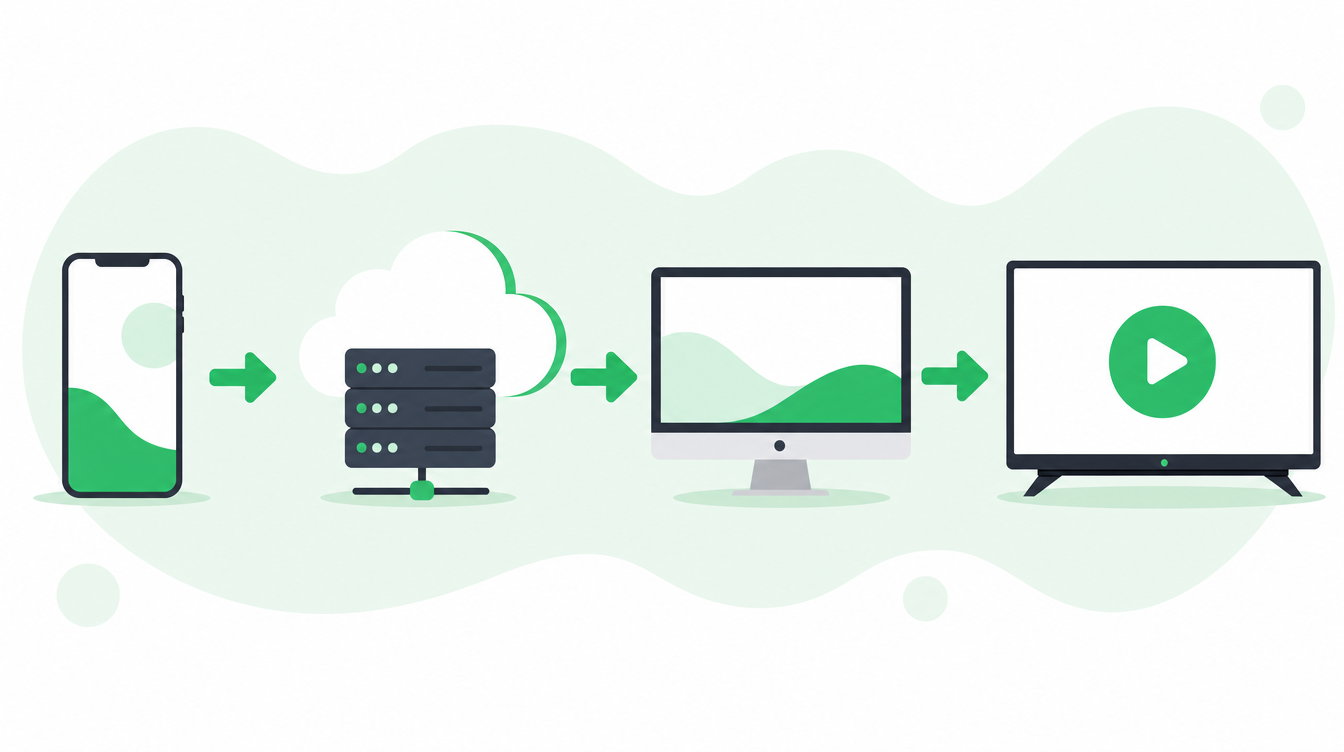
The full flow: Phone → IRLHost relay → Your OBS at home → Twitch/Kick. The spare Android just adds a second connection path for that first leg.
Step-by-step setup
Prefer video? This tutorial walks through the exact same Moblink pairing process:
Note: The video above uses a dedicated mobile router because the presenter is bonding three phones at once. For the simple two-phone setup in this guide, you don't need one — just share your iPhone's personal hotspot with the Android phone and follow the same Moblink password steps.
On your iPhone (Moblin) — set this up first:
- Open Moblin and tap the settings icon (top right).
- Go to the Moblink tab.
- Set a password — anything simple works, you'll enter the same one on the Android phone.
- Make sure Streamer mode is turned on (not "Relay" — that's for a different setup).
- Leave the server port on its default setting unless you have a reason to change it.
On the Android phone (Moblink app):
- Install Moblink from the Google Play Store — it's free and made by the same developer as Moblin.
- Open Moblink and enter the same password you set in Moblin.
- Tap Start.
- You should see "Connected to streamer" — the Android phone is now added as a bonding connection.
Both phones need to be on the same local network (WiFi hotspot or router) for this pairing to work. Once connected, you'll see the Android phone listed as an active connection in Moblin's bonding status, alongside your iPhone's own WiFi and cellular. That is it — no manual IP addresses to type in, and no extra setup on your end beyond installing the app and matching the password.
Which Android phone works?
Almost any Android phone made in the last five years will work. It does not need a good camera — it is not recording anything. It just needs a working SIM card with mobile data and the ability to run Moblink. A cracked-screen phone you retired two years ago is fine for this.
Does it have to be Android?
The Moblink relay app currently runs on Android. If you only have iPhones available, you can still bond your iPhone's WiFi and cellular connection within Moblin itself — that is always worth doing and requires no extra device. But for adding a third or fourth connection, the spare Android option is the easiest path.
What about data costs?
The Android phone will use mobile data during your stream. A one-hour stream at reasonable quality uses roughly 1–3 GB. An unlimited data SIM on a cheap secondary plan — many carriers offer these for €5–15/month — is the ideal setup.
The relay is still important
Even with two phones, you still need a relay server. Bonding needs a cloud server to combine both connections into one stream — that is what the IRLHost relay does. It also gives your OBS at home a public address to pull from, so you never port forward your home internet. If both connections drop out completely, IRLHost Link on your PC switches OBS to a BRB scene so your stream stays live until you reconnect.
Summary
- Spare Android phone + Moblink app = free extra connection
- Moblin on iPhone combines both connections automatically
- More connections = fewer drops = happier viewers
- Flow: Phone → IRLHost relay → OBS at home → Twitch/Kick
Get started
Sign up at irlhost.gg. IRLHost Plus includes the relay server from €11.99/month + VAT. No PC at home? IRLHost Pro adds a cloud OBS instance from €29.99/month + VAT.
Want help with your IRL setup?
Leave your email and a seller can contact you with setup help, a walkthrough, or a specialized IRLHost offer.