SRT vs RTMP for IRL Streaming: Which Protocol Should You Use in 2026?
RTMP was built for stable, wired connections — SRT was built for networks that drop packets. This explainer covers what each protocol does, why SRT and SRTLA outperform RTMP for mobile IRL streaming, and which one you should actually use in 2026.
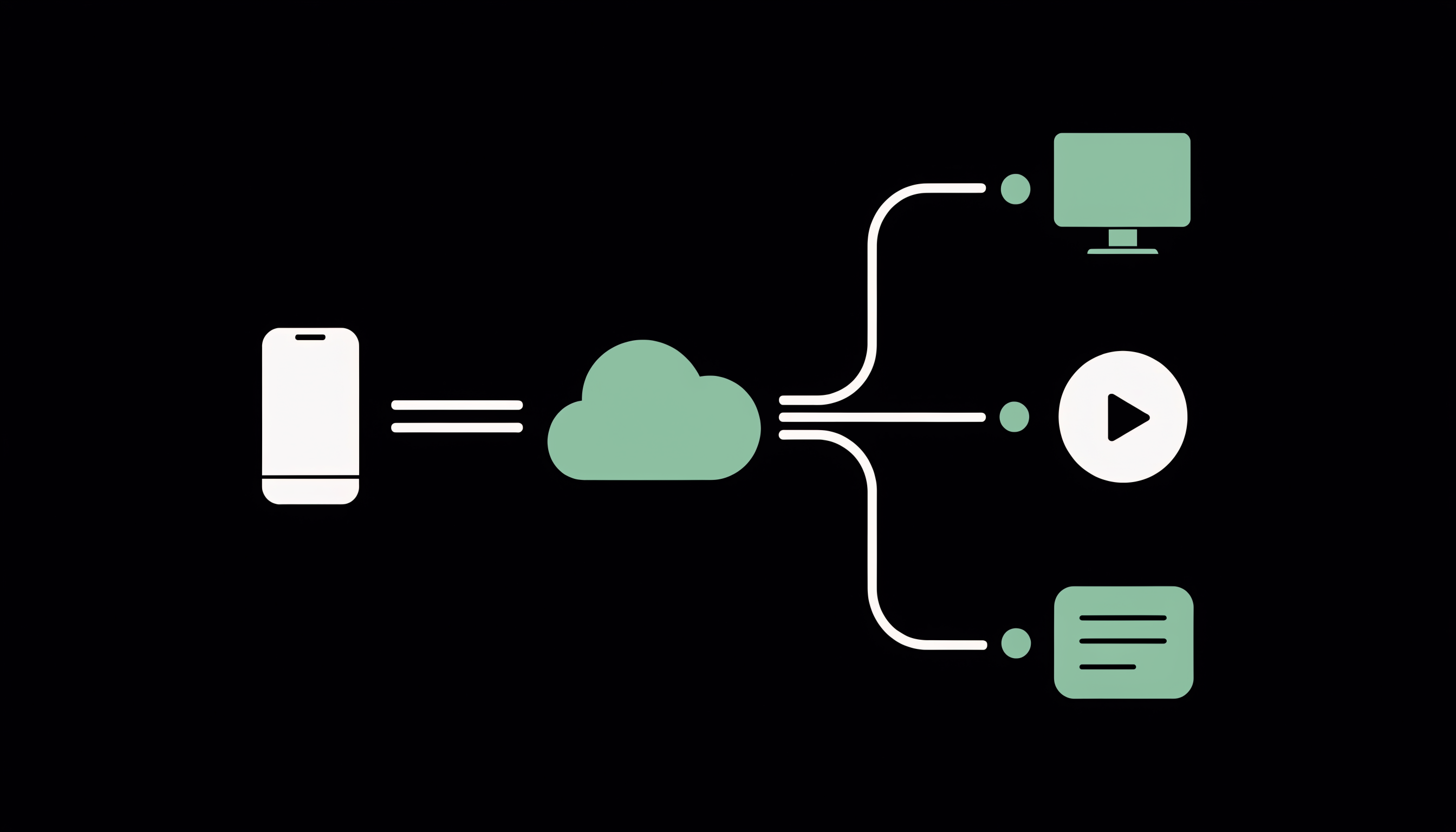
If you stream IRL over cellular, you have almost certainly watched your stream stutter, pixelate, or drop entirely the moment you walked behind a building or your phone switched towers. That failure usually is not your encoder, your bitrate, or your platform — it is the transport protocol carrying your video over a network it was never designed for. Understanding the difference between RTMP and SRT is the single most useful piece of background knowledge for anyone building a mobile streaming setup.
What is RTMP, and where does it fall short for IRL streaming?
RTMP (Real-Time Messaging Protocol) is the older standard for pushing live video to platforms — it dates back to the Flash era, and it remains the default ingest format that Twitch, YouTube, Kick, and most other platforms accept. On a stable, wired connection it works fine, which is why a home OBS setup pushing RTMP over ethernet rarely has transport problems.
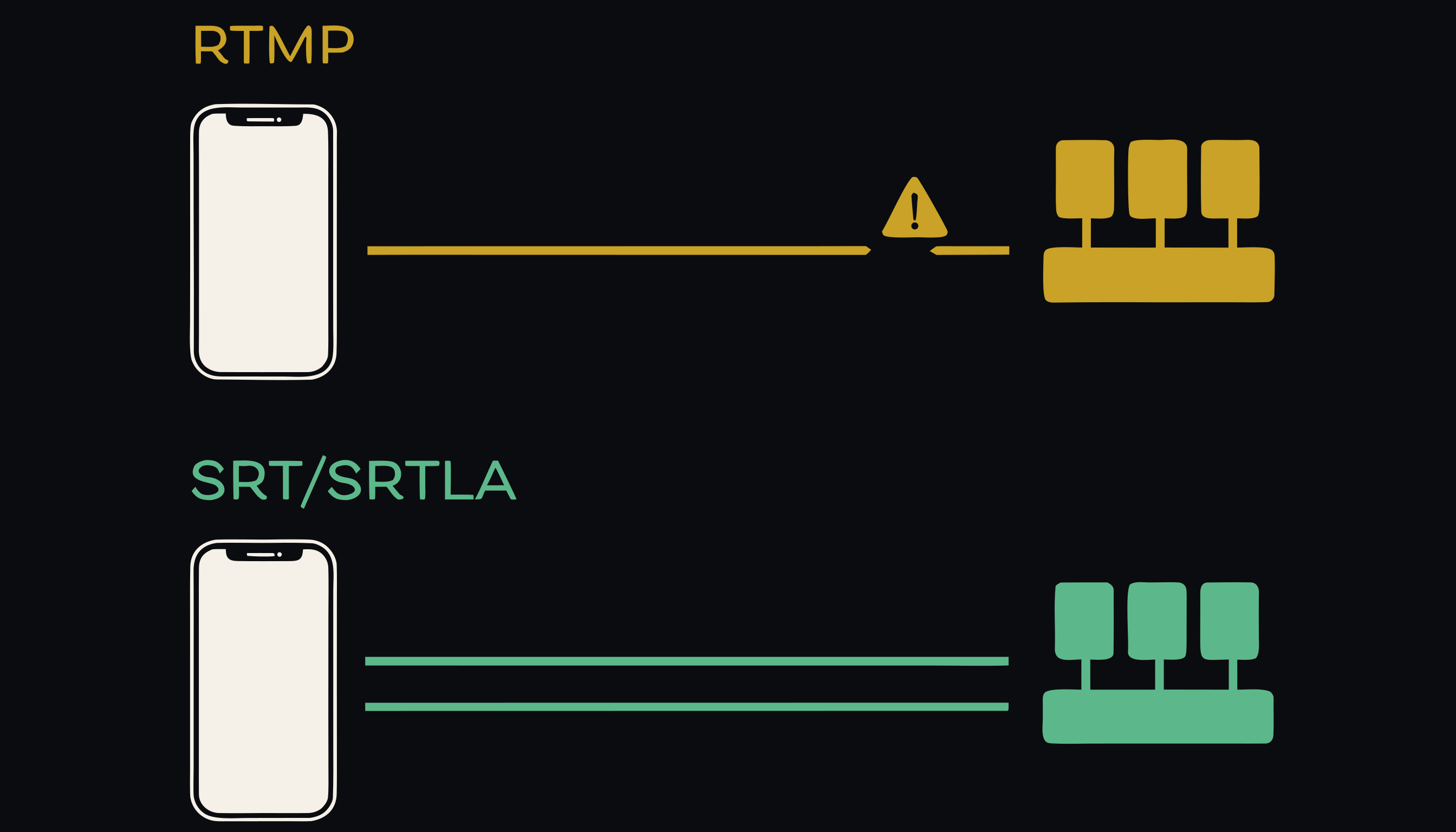
The trouble starts on unreliable networks. RTMP does not handle packet loss and retransmission well: when packets go missing on a congested or weakening cellular link, the stream degrades quickly, and a sustained dip is often enough to disconnect it entirely. For an IRL streamer whose connection quality changes block by block, that means the protocol itself becomes the weakest link in the chain.
What is SRT, and how is it different?
SRT (Secure Reliable Transport) is a video transport protocol designed specifically for unreliable networks. It expects packets to go missing and recovers from it: lost packets are retransmitted within a configurable latency window, so brief signal dips are repaired before the viewer ever sees them. That makes it fundamentally better suited than RTMP to the exact conditions IRL streamers operate in — cellular links that fluctuate constantly.
SRT is not a niche format, either. Because an SRT feed can be converted to whatever a platform ingests, it works with any platform that accepts RTMP or SRT — you stream SRT over the unreliable half of the journey, and the stable half delivers the format the platform wants.
What SRTLA adds on top of SRT
SRTLA builds on top of SRT and adds connection bonding: the ability to combine multiple internet connections at once. Your encoder can send the stream over Wi-Fi and one or more mobile data connections simultaneously, so if your Wi-Fi weakens, your mobile data picks up the slack — and the stream continues without interruption. For backpack rigs running multiple SIMs, this is the feature that turns several individually-unreliable connections into one dependable uplink.
Which protocol should you use in 2026?
The practical answer is simple:
- Streaming IRL over mobile networks? Use SRT — or better, SRTLA with bonded connections — for the leg of the journey that crosses cellular. RTMP on a raw mobile connection is the setup most likely to drop.
- Streaming from a stable, wired home setup? RTMP is fine. The protocol's weaknesses only really show on unreliable links.
Note that the two are not mutually exclusive. Most platforms still ingest RTMP, so the common IRL architecture is SRT/SRTLA from your encoder to a relay, then a clean feed from the relay to the platform.
Where a relay fits in
This split — unstable mobile uplink on one side, stable platform ingest on the other — is exactly what an SRT/SRTLA relay is for. IRLHost's relay sits between your mobile encoder and the platform (or your local OBS), decoupling the two halves: your encoder speaks SRT/SRTLA over the messy cellular leg, and the platform receives a stable feed from the relay. It works with any platform that accepts RTMP/SRT and any encoder or app that outputs SRT or SRTLA.
If you want the deeper technical background, the FAQ page covers SRT, SRTLA, and how the relay behaves during signal loss — and current plans are at irlhost.gg/#pricing.
Want help with your IRL setup?
Leave your email and a seller can contact you with setup help, a walkthrough, or a specialized IRLHost offer.