The Best IRL Streaming Setup for Beginners in 2026
Starting IRL streaming and not sure what gear to buy? This guide covers the exact setup you need — and what to skip until you actually need it.
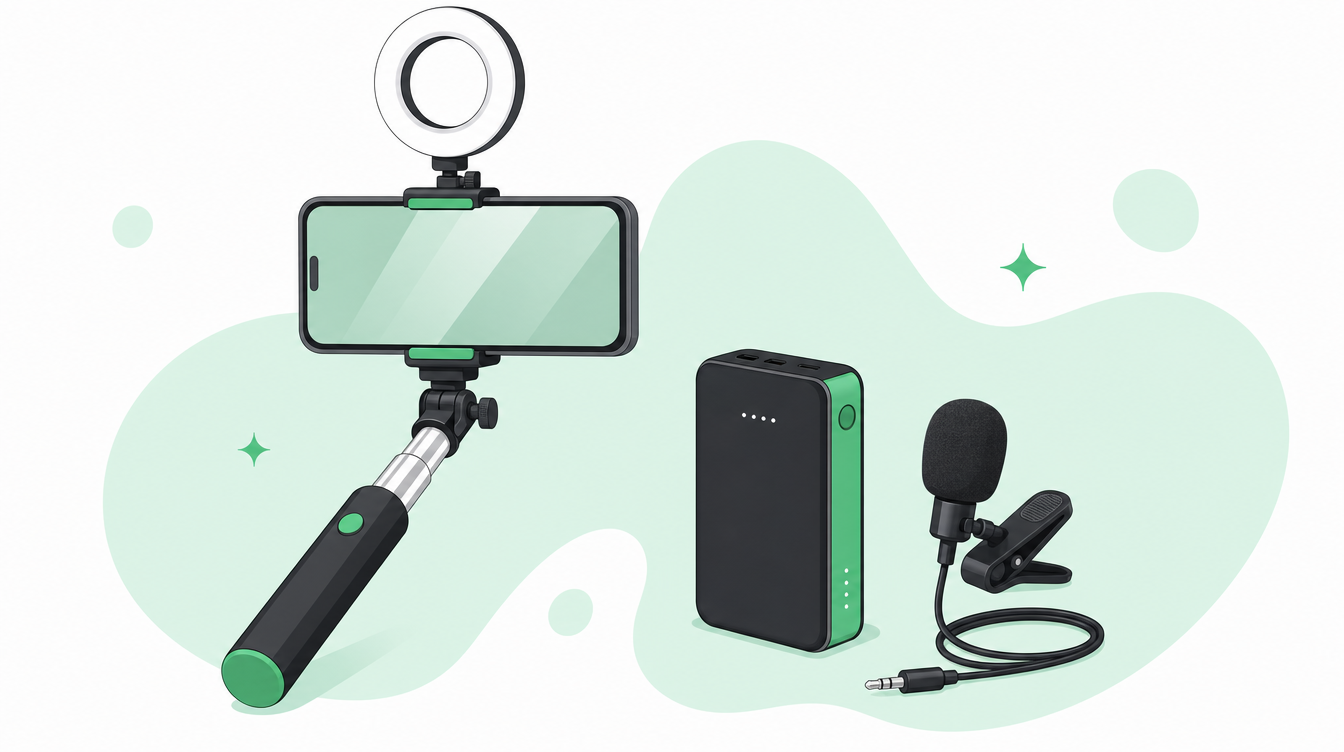
The IRL streaming setup that actually works — without buying everything at once
The biggest mistake new IRL streamers make is spending hundreds on gear before they have gone live once. Start with the minimum, learn what you actually need, then upgrade based on real experience.

The minimum setup
Your phone
You already have this. iPhone or Android — both work. Newer is better for camera quality, but a two or three year old flagship is more than capable.
A PC at home running OBS
IRLHost is a relay — it gives your phone a bonding endpoint and a public address that your OBS at home pulls from. OBS then sends the stream to Twitch or Kick. The chain is: Phone → IRLHost relay → OBS → Twitch/Kick.
No PC? IRLHost Pro includes a cloud OBS instance — your phone is your only piece of hardware.
Power bank
Non-negotiable. Streaming drains your phone battery in 40–60 minutes. Get a power bank with at least 10,000 mAh.
An IRLHost relay server
IRLHost sits between your phone and OBS. It does two things a direct connection cannot:
- SRTLA bonding — combines your phone's WiFi and mobile data into one connection when you send your stream. More bandwidth and fewer drops on location. Bonding needs a cloud endpoint to reassemble the combined stream — that is the relay's job.
- No port forwarding — the relay has a public address, so your OBS connects out to it. You never open ports on your home router or expose your home IP.
It is also codec-agnostic, so it passes through H.265 if your phone and app support it — up to 40–50% better efficiency at lower bitrates.
IRLHost is €11.99/month + VAT and takes five minutes to set up.
A streaming app
Download Moblin (free, iPhone) or IRL Pro (free, Android). These connect to your IRLHost relay using SRT or SRTLA and send video from your phone.
Total cost to start: €11.99/month + a PC you already own. Everything else is optional.
The first upgrade: audio
Your built-in phone microphone picks up wind, background noise, and sounds distant. A clip-on wireless mic makes an enormous difference.
Good options:
- Hollyland Lark M2 — compact, excellent value, wireless
- DJI Mic Mini — small, reliable, good range
- Rode Wireless GO II — premium option, dual transmitters
Budget: €50–150.
The second upgrade: mounting and light
You do not need a gimbal to start. A selfie stick or extendable phone mount lets you hold the camera at a better angle. Many selfie sticks come with a built-in LED ring light — a solid combo for low-light conditions.
Budget: €20–60 for a decent selfie stick with light.
If you want maximum stability while moving, a phone gimbal (DJI OM 6, Hohem iSteady) makes your stream look cinematic. Budget: €80–150.
The third upgrade: a second connection
One mobile connection is good. Two is better. SRTLA bonding — which IRLHost supports natively — combines connections server-side, so if one weakens the other keeps carrying the stream. The realistic way to add a second connection is to tether a spare phone running Moblink, or use a small travel router with its own SIM. IRLHost handles the bonding, and apps like Moblin and IRL Pro manage it on your device.
What you do not need to start
- A dedicated camera — your phone camera is good enough
- A laptop on location — your home PC handles OBS
- An encoder box — unnecessary for most phone-based setups
- Expensive lighting — a cheap selfie stick with LED ring is enough outdoors
The IRL streaming starter kit
- Your existing phone
- PC with OBS at home
- Power bank (10,000+ mAh) — ~€30
- IRLHost relay — €11.99/month + VAT
- Moblin or IRL Pro — free
Go live first. Buy gear when you know you need it.
Get started
Sign up at irlhost.gg. IRLHost Plus includes the relay server from €11.99/month + VAT. No PC at home? IRLHost Pro adds a cloud OBS instance from €29.99/month + VAT.
Want help with your IRL setup?
Leave your email and a seller can contact you with setup help, a walkthrough, or a specialized IRLHost offer.